
Written byRedevon IT TeamManaged Operations
How to Choose a Managed Web Platform Agency: A CTO's Checklist
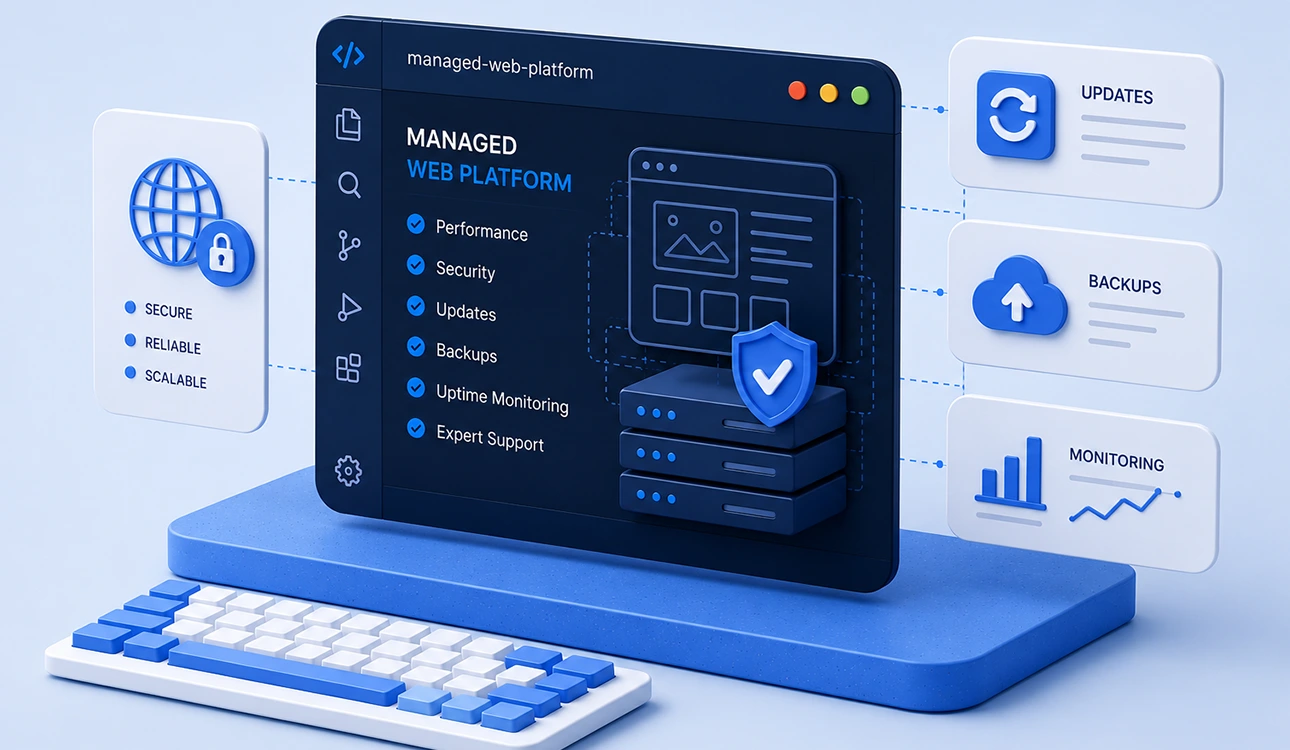
A platform launch can go smoothly and still leave the client in a difficult position six months later. The original project team may no longer be available, routine updates may have stopped, and nobody may be clearly responsible when production fails.
That does not make agencies focused on individual projects a poor choice. It means the commercial model must match what your organisation expects after delivery. If you need ongoing development, monitoring, security work, and incident response, those responsibilities should be agreed before the build begins.
The checks below are designed for technical and procurement teams comparing managed web platform partners. They focus on evidence you can review rather than assurances made during a sales presentation.
1. Define what “managed” means
There is no standard scope for a managed platform service. One provider may cover updates and backups, while another supplies development capacity, cloud operations, monitoring, security reviews, and incident response outside normal working hours.
Ask each agency to identify who is responsible for the following after launch:
- application and dependency updates;
- cloud infrastructure and hosting configuration;
- monitoring, alert triage, and incident response;
- backups and restoration testing;
- security review and vulnerability remediation;
- content support and ongoing feature development; and
- services, licences, and renewals supplied by other vendors.
The result should be a written responsibility matrix. If a task is excluded, establish whether your internal team or another supplier will own it.
2. Review the SLA and escalation process
A useful service level agreement distinguishes between acknowledgement, assessment, restoration, and final resolution. A provider can usually commit to acknowledging an incident within a set period; it may not be able to guarantee when an unknown technical fault will be permanently resolved.
Review the proposed severity levels and ask:
- What qualifies as critical, high, normal, or low priority?
- During which hours does each commitment apply?
- How quickly will the agency acknowledge and assess an incident?
- How often will it provide updates while an incident remains open?
- What is the escalation path if the first contact is unavailable?
- Are restoration targets different from final resolution targets?
Ask for a sample SLA rather than relying on a verbal summary. Confirm that its service hours and definitions reflect the operational importance of your platform.
3. Clarify ownership and access
“You own the code” is too broad to be useful in a contract. A platform can contain custom code for the client, open source packages, commercial software, and existing components licensed by the agency.
The agreement should identify:
- which custom deliverables transfer to your organisation;
- which components remain subject to open source or commercial licences;
- what rights you receive to any existing agency tooling;
- who owns and administers the source repositories, cloud accounts, domains, and analytics properties; and
- what documentation and assistance will be provided during a handover.
Your organisation should have appropriate access to the systems it depends on. Where an agency manages an account on your behalf, document how access and data will be transferred if the relationship ends.
4. Examine how changes reach production
Ask the technical team to walk you through a routine deployment and a failed one. You are looking for a repeatable process, not a particular toolset.
- Are changes reviewed before they are merged?
- Which automated and manual tests run before release?
- Is there a representative staging environment?
- Who can approve a production deployment?
- How is a failed release rolled back?
- Are configuration changes and database migrations included in that process?
A useful next step is to request a sanitized deployment runbook. It shows whether the process is documented well enough for another engineer to follow.
5. Verify monitoring, recovery, and security practices
Monitoring is more than an uptime check. Coverage should reflect the platform's important user journeys, integrations, infrastructure, and failure modes. Ask who receives alerts, how noisy alerts are handled, and what happens when a problem occurs outside normal working hours.
For recovery and security, request details of:
- backup frequency, retention, storage location, and restore testing;
- dependency and vulnerability monitoring;
- patch targets based on severity and exposure;
- controls for privileged access and periodic access reviews;
- incident communication and reviews after an incident; and
- tracking for unsupported software and software approaching the end of its supported life.
A backup report proves that a job ran. A recent restoration test provides better evidence that the platform can actually be recovered.
6. Understand capacity and pricing
Managed services may be sold as a fixed support package, a monthly allocation of team capacity, billing based on usage, or a combination of these. Compare the operating rules as carefully as the monthly fee.
- Are incidents, maintenance, and feature development drawn from the same allowance?
- Does unused capacity expire or carry forward?
- How is emergency work or work outside normal hours charged?
- Which requests require a separate estimate and approval?
- Are monitoring tools, cloud services, and software licences included?
- Can capacity be adjusted for a release, migration, or seasonal peak?
Model the likely cost of a normal month and a month with several incidents. This exposes differences that a headline retainer can conceal.
7. Ask for operational evidence
Case studies tend to emphasize launches. For a managed service, evidence from the months after launch is more relevant. Subject to confidentiality, ask for:
- a sample monthly service report;
- a sanitized incident report or postmortem;
- an example SLA and severity matrix;
- a deployment or recovery runbook; and
- a reference from a client receiving ongoing support.
When speaking to a reference, ask how the provider communicates during problems, whether the same people remain involved over time, and how accurately invoices reflect the work performed.
8. Plan for a future handover
An exit plan is useful even when both parties expect a long relationship. It reduces operational risk and makes responsibilities clear from the beginning.
Agree how repositories, credentials, infrastructure, documentation, open work, and service history will be transferred. Specify the notice period, any paid transition assistance, and the format in which documentation will be delivered. Confirm how agency access will be revoked after handover.
A practical comparison
| Area | Evidence to request | Point to clarify |
|---|---|---|
| Support | Severity matrix and sample SLA | Coverage hours, acknowledgement, updates, and escalation |
| Ownership | Contract schedule listing code, accounts, and licences | What transfers and what remains licensed |
| Deployment | Sanitized deployment and rollback runbook | Testing, approval, and recovery steps |
| Recovery | Record of a recent restoration test | Recovery scope, timing, and responsible person |
| Security | Patch policy and incident process | Severity targets and notification procedure |
| Reporting | Sample monthly report | How work, risks, capacity, and outcomes are recorded |
| Exit | Transition clause or handover plan | Timing, cost, documentation, and access removal |
Before making a decision
Give every shortlisted agency the same platform summary and ask for the same evidence. That makes proposals easier to compare and reduces the influence of presentation style.
At minimum, review a sample SLA, an ownership schedule, an operations runbook, a recent sanitized incident report, and an exit plan. The documents will not tell you everything about a future working relationship, but they show whether the operating model described in the pitch exists in practice.
If you are defining the scope and budget for ongoing support, see our guide to what a website care plan should include and what it should cost.
Journal